

- Text - Tailor the language to reflect your company’s culture, include relevant contact information for reporting, and integrate specific policy details. Text Blocks - Text appears within the platform window. Modify, add, or remove text as needed. Modify, delete, or rearrange content. Text Slides - PowerPoint slides featuring integrated design elements. Modify, add, or remove text as needed. Modify, delete, or rearrange content. Incorporate your branding elements into the slide content.
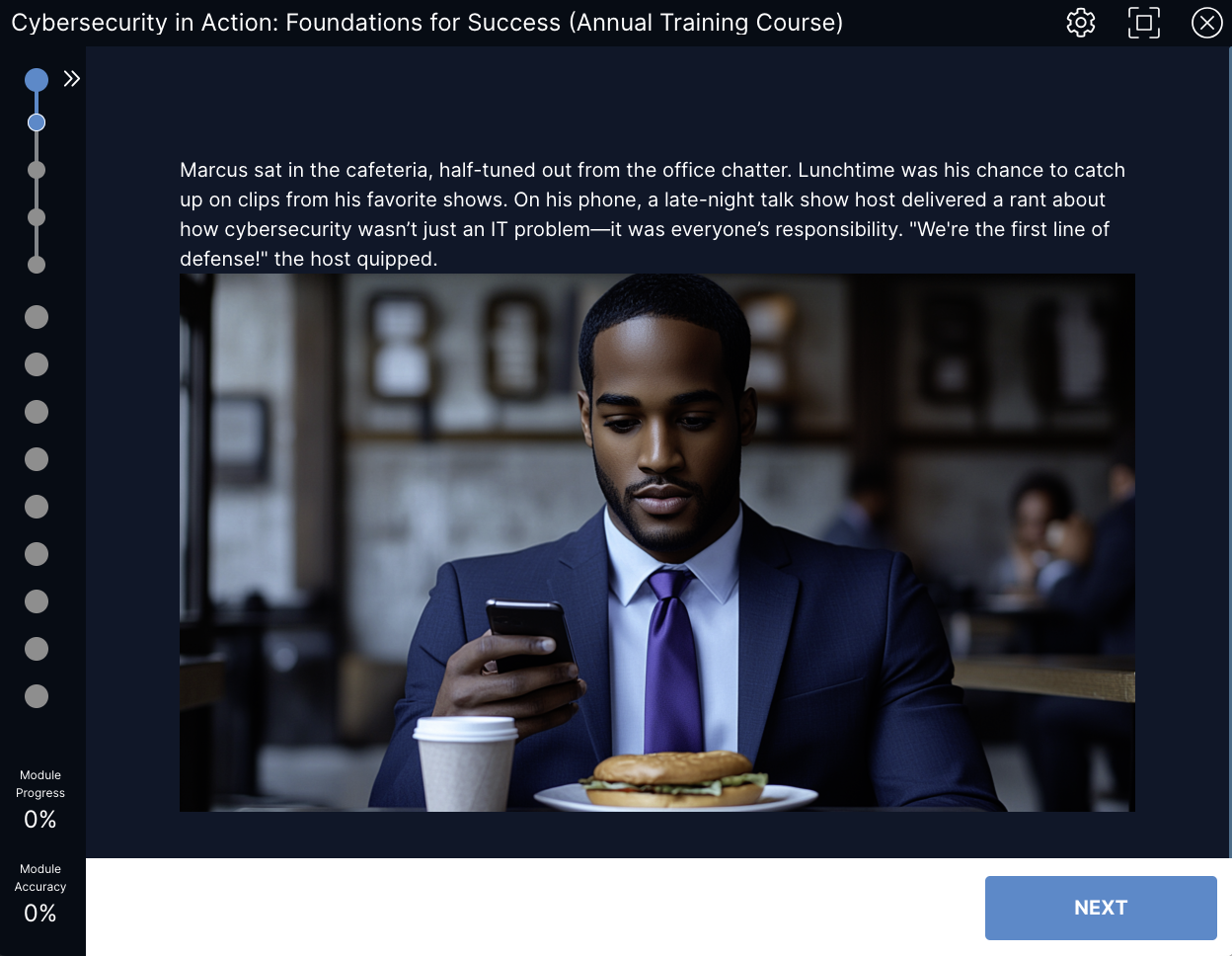
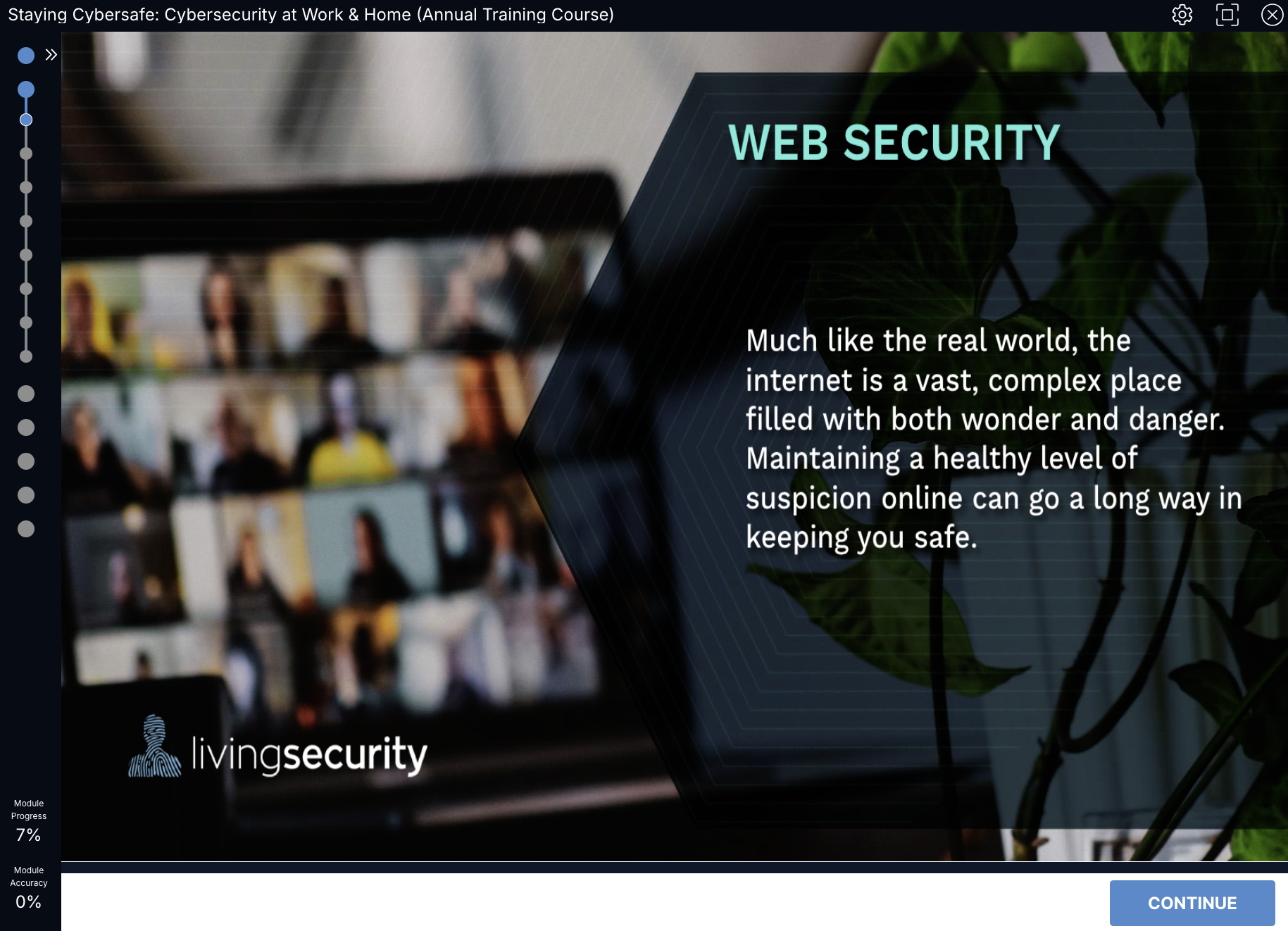
- Your Own Documents You have the option to replace existing text blocks or slides with your own PDF documents, which may include diagrams, graphs, or other images. These documents can be created using PowerPoint or Google Sheets, but they must be converted to PDF format prior to submission.
- Training Videos - Incorporate or eliminate training videos within a Living Security course as needed. Choose videos from our content library to add to the Course Remove videos in a Course Add intro/outro videos to a Course. Videos will need to be provided as MP4 files - Living Security is unable to assist with editing or graphics in post. CISO-led recordings can replace existing intro/outro videos to give the feel of a fully customized experience from beginning to end Zoom and Yac are recommend for self-recording options. ** Living Security cannot make changes or edits to training videos in the Living Security content library.
- Questions/Answers - As always, questions and answers are fully customizable on the Training Platform. Questions/Answers can be edited directly on the Training Platform. Please reference this article for how to instructions. Add or Remove Questions/Answers throughout the Course, in between videos, puzzles, text slides, or already existing questions.
- Puzzles - Existing puzzles can be added or removed from a Course. Please see all puzzles available on the Training Platform by searching for “Puzzle”.
Now that you know all the ways a Course can be customized, requesting customization of a Course for your users is easy! Download a Course Customization Form below, ensure all fields are filled out, then submit to our Support Team . Course customizations may take up to five business days per course to complete. Your customized course will be available in your Catalog, visible only in your account. Annual Training Course Customization Forms
- Cybersecurity in Action: Foundations for Success
- Cybersecurity in Action: Security Made Simple
- Cybersecurity in Action: Everyday Practices
- Staying Cybersafe (Annual Training Course) Just need to edit the slides? Click here .
- Cybersecurity for Customer Support Professionals Just need to edit the slides? Click here .
- Cybersecurity for Developers Just need to edit the slides? Click here.
- Cybersecurity for Executive Assistants Just need to edit the slides? Click here .
- Cybersecurity for Executives Just need to edit the slides? Click here.
- Cybersecurity for Finance Professionals Just need to edit the slides? Click here .
- Cybersecurity for Highly Visible Employees Just need to edit the slides? Click here .
- Cybersecurity for HR Professionals Just need to edit the slides? Click here .
- Cybersecurity for IT Professionals Just need to edit the slides? Click here .
- Cybersecurity for Legal Department Just need to edit the slides? Click here.
- Cybersecurity for Manufacturing Professionals Just need to edit the slides? Click here .
- Cybersecurity for Marketing Professionals Just need to edit the slides? Click here .
- Cybersecurity for People Managers Just need to edit the slides? Click here .
- Cybersecurity for Privileged Users Just need to edit the slides? Click here .
- Cybersecurity for Product Development Professionals Just need to edit the slides? Click here .
- Cybersecurity for Sales Professionals Just need to edit the slides? Click here .
- Cybersecurity for Vendor Management & Purchasing Professionals Just need to edit the slides? Click here .