

An Overview of Cohorts
📚 Overview
Cohorts allow administrators to create a filtered view of Unify based on identities that meet specific criteria. Cohorts can be built based on any combination of segment, risk level, insight, and impact modifier, enabling you to easily view key business priorities. Cohorts can also be used as a role-based access mechanism. By assigning a cohort to a user with a Limited Admin role they can view only that Lens within Unify, not the entire scope of the platform. A cohort will apply to the entire Unify Platform, and as you navigate between sections it will display tailored data based on the cohort criteria.❓ How do I create a Cohort?
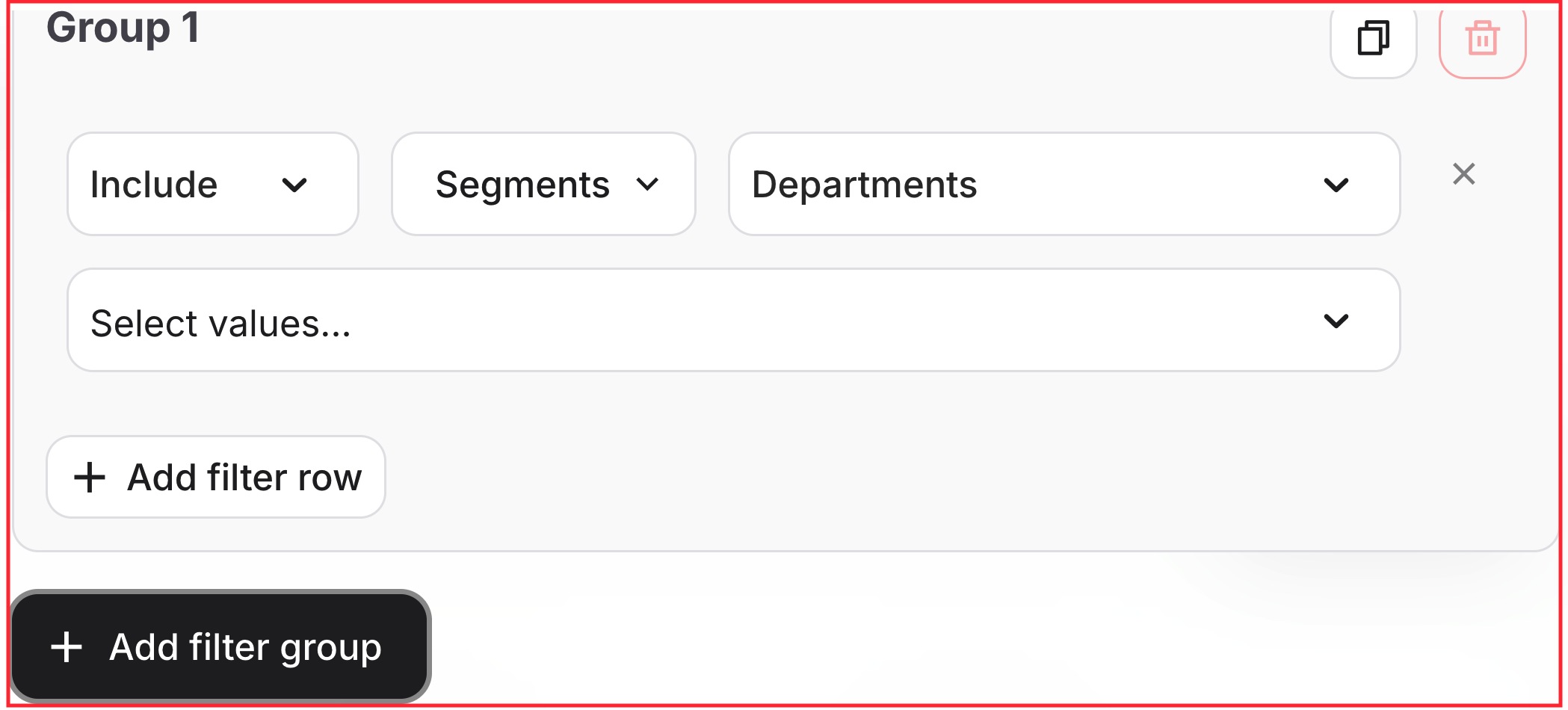
In the top menu on Home Page and Dashboards, click the caret and select Create new cohort: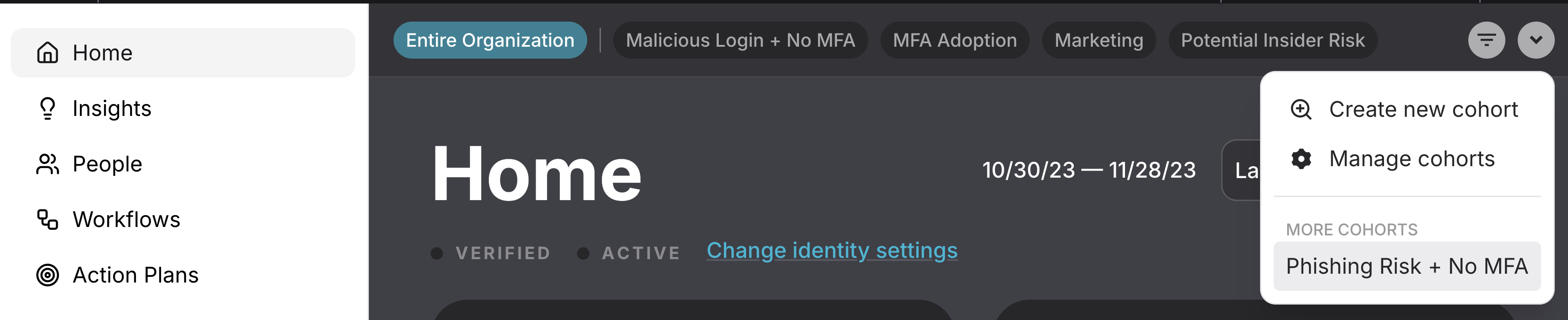
- Segment(s)
- Risk level(s)
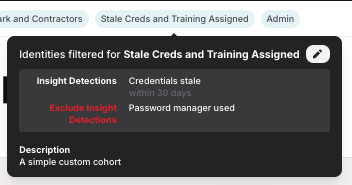
- Insight Detection(s)
- Impact Modifier(s)
- Specific Identities
🔐How do I assign a Limited Admin to a Cohort?
The following steps can be followed to set someone as a Limited Admin in Unify and assign them to a cohort.1
Create the Cohort needed based on your desired filters. Instructions on creating a Cohort can be found above.
2
In Training User Management find the user in question and set their access to Unify Limited Admin - find more instructions on this process here!
3
Switch from Training to Unify, open the Settings page, and open the Users tab. A full Unify admin will be labeled as Admin while those with access limited to a specific cohort will show as Limited Admin in the Role column.
4
Assign the desired Cohort to the Limited Admin in question using the “Assigned Cohort” column.
A Limited Admin can only have a single Cohort assigned to them. If someone needs access to multiple Cohorts, they must be a full Unify admin.