

What Living Security needs
Scopes: Alerts: Read and Hosts: Read — Alerts backs the alerts sync (
/alerts/queries/alerts/v2) and Hosts backs the device sync (/devices/queries/devices-scroll/v1).
Required role: Falcon Administrator or equivalent with API client management permissions
Prerequisites
- You must have Falcon Administrator access or equivalent permissions to create API clients in the CrowdStrike Falcon console.
Part A — In CrowdStrike Falcon
Your CrowdStrike administrator completes these steps.1
Navigate to API Clients and Keys
- Log in to your CrowdStrike Falcon console.
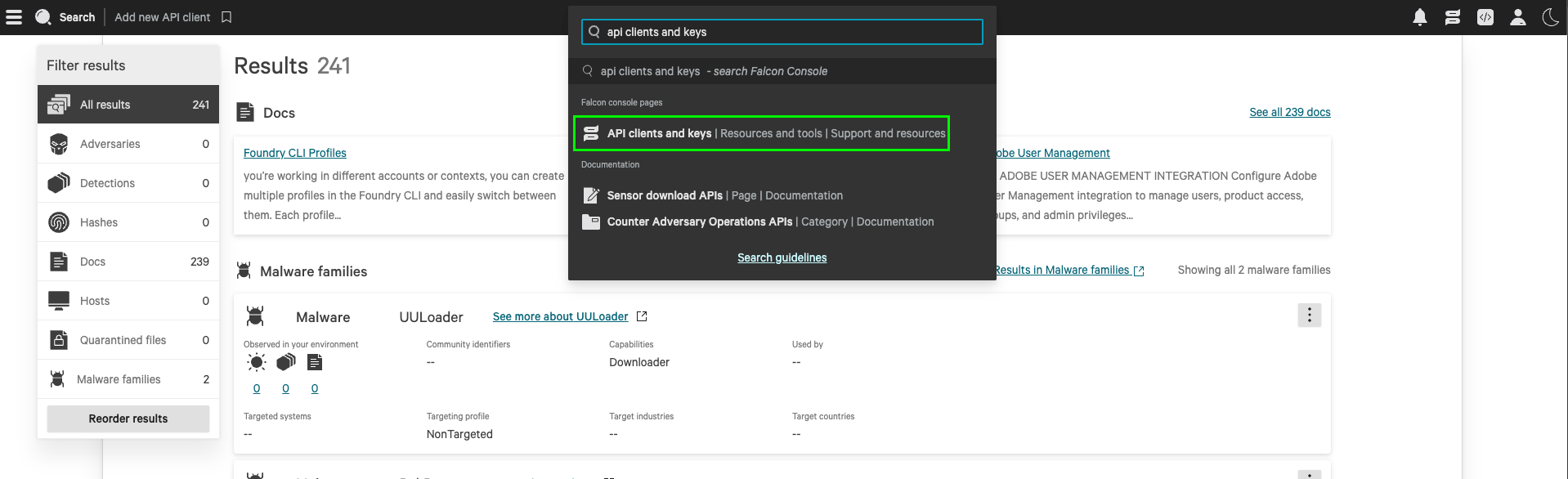
- From the search toolbar, search for API Clients and Keys and select it.
2
Create an API client
- Click Create API Client.
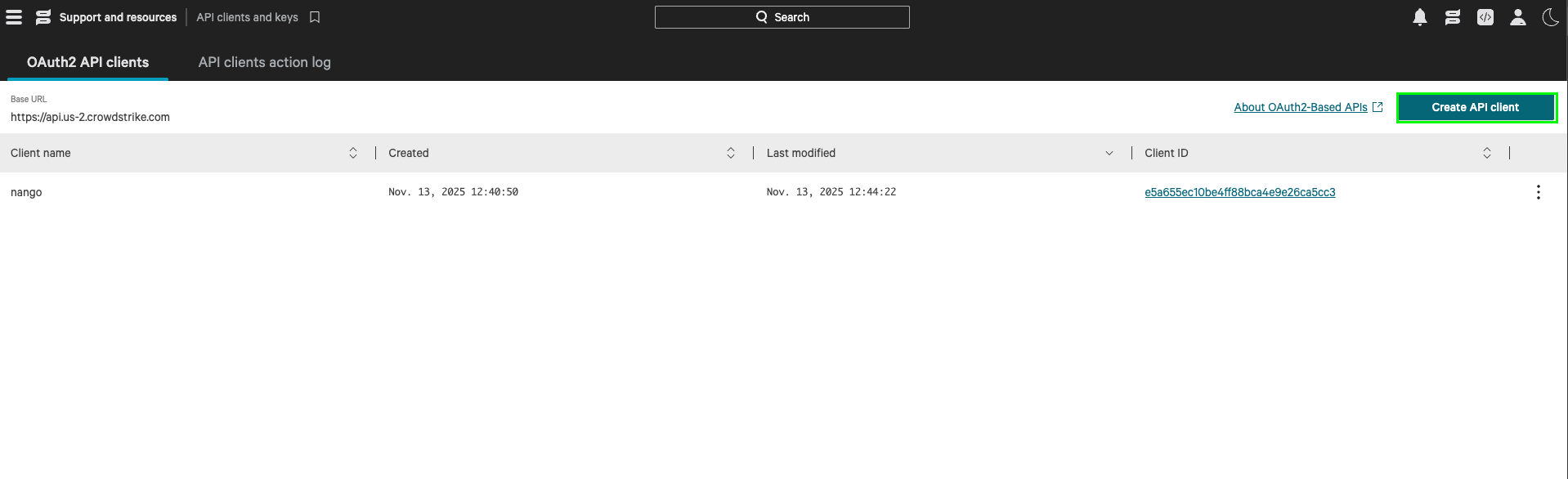
- Enter a Name (e.g.,
Living Security Platform). - Enter a Description (e.g.,
Read access for Living Security HRM platform). - Under API Scopes, enable Read for Alerts and Hosts.
- Click Create.
3
Copy the credentials
After creation, CrowdStrike displays your Client ID, Client Secret, and Base URL.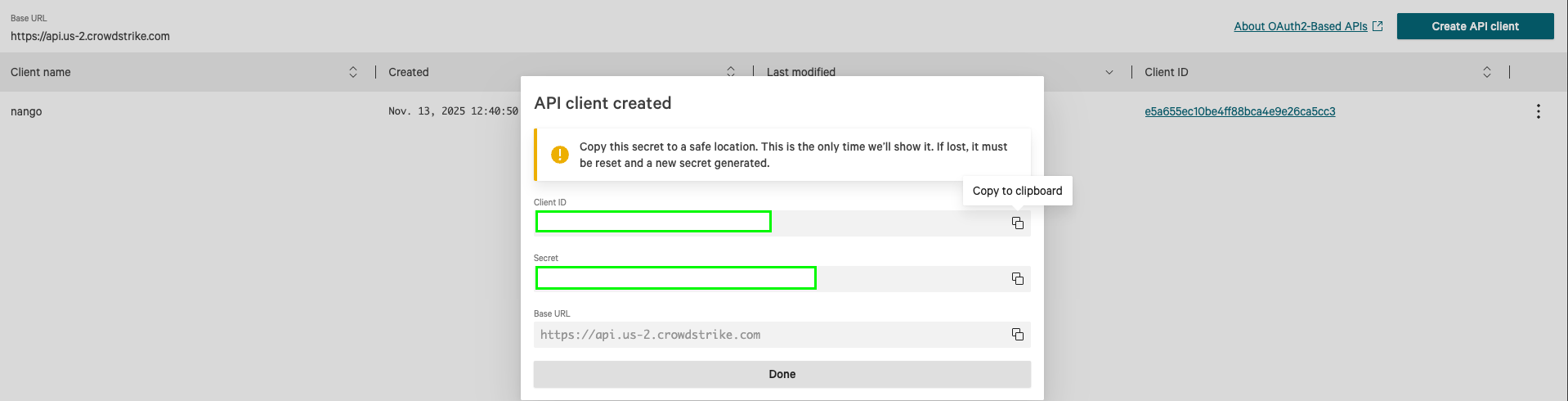
The Base URL is the domain portion (e.g.,
api.crowdstrike.com) without the https:// prefix. Common base URLs include:- US-1:
api.crowdstrike.com - US-2:
api.us-2.crowdstrike.com - EU-1:
api.eu-1.crowdstrike.com - US-GOV-1:
api.laggar.gcw.crowdstrike.com
Part B — In the Living Security Platform
The program owner completes this step, or the system admin if using delegated setup.1
Troubleshooting
403 Forbidden
403 Forbidden
The API client is missing required scopes. Verify that Alerts: Read and Hosts: Read are enabled on the API client in the CrowdStrike console.
Wrong Base URL
Wrong Base URL
Each CrowdStrike cloud environment has a different API base URL. Verify you’re using the correct URL for your tenant:
- US-1:
api.crowdstrike.com - US-2:
api.us-2.crowdstrike.com - EU-1:
api.eu-1.crowdstrike.com
Portions of this documentation are adapted from Nango, used under the Elastic License 2.0.