

What this integration contributes
Abnormal Security can contribute normalized email threat, delivery, blocking, and employee-reporting activity. Reviewed examples include:phishing.real.blocked— real phishing blocked before deliveryphishing.real.delivered— real phishing delivered to the inboxphishing.real.reported— reports real phishing emails
What Living Security needs
Scopes: Custom Access with Read on
Abuse Campaigns (AI Security Mailbox) and Threats
Required role: Security Admin or Super Admin in Abnormal Security
Prerequisites
- You must have Security Admin or Super Admin access in Abnormal Security to create and manage API tokens.
Part A — In Abnormal Security
Your Abnormal Security administrator completes these steps.1
Navigate to API Token Management
- Sign in to your Abnormal Security portal.
- In the left navigation, click Settings, then select Integrations.
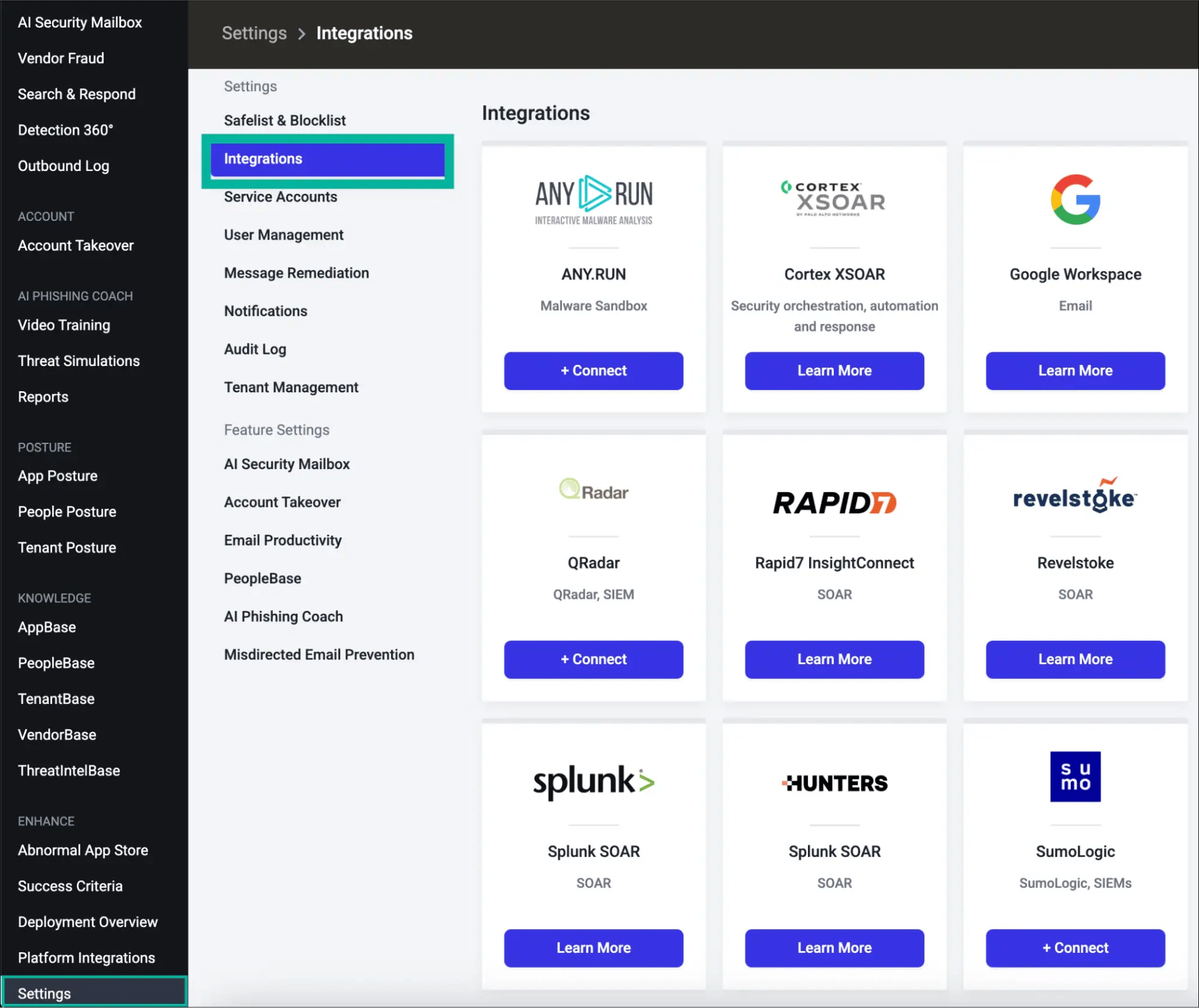
- Scroll down to the API Token Management section at the bottom of the Integrations page.
- Click + Create New Token.
2
Select integration type
Select REST API as the integration type, then click Next.
3
Choose token scope
Choose a token scope, then click Next:
- Customer (All Current and Future Tenants) — Use this if your Abnormal account manages multiple tenants. This token covers all current and future tenants automatically.
- Tenant (Single Tenant) — Use this to isolate the token to a single specific tenant.
4
Grant required access
Select Custom Access and enable Read for both endpoint groups:
Then click Next.
Read access returns non-sensitive threat and campaign data. Read Sensitive additionally exposes PII, attachments, and employee data. Write submits remediation actions. Grant only Read unless your use case specifically requires more.
5
Configure token details and IP safelist
Fill in the following fields:
- Token Name — A descriptive name (e.g.,
Living Security Platform) - Description — Optional context (e.g.,
Read access for Living Security HRM platform) - Token Expiry — Choose 90, 180, or 365 days to match your rotation policy. Set a calendar reminder to rotate the token before it expires.
- IP Safelist — Enter the Living Security egress IP ranges, one per entry. Click Add after each.
6
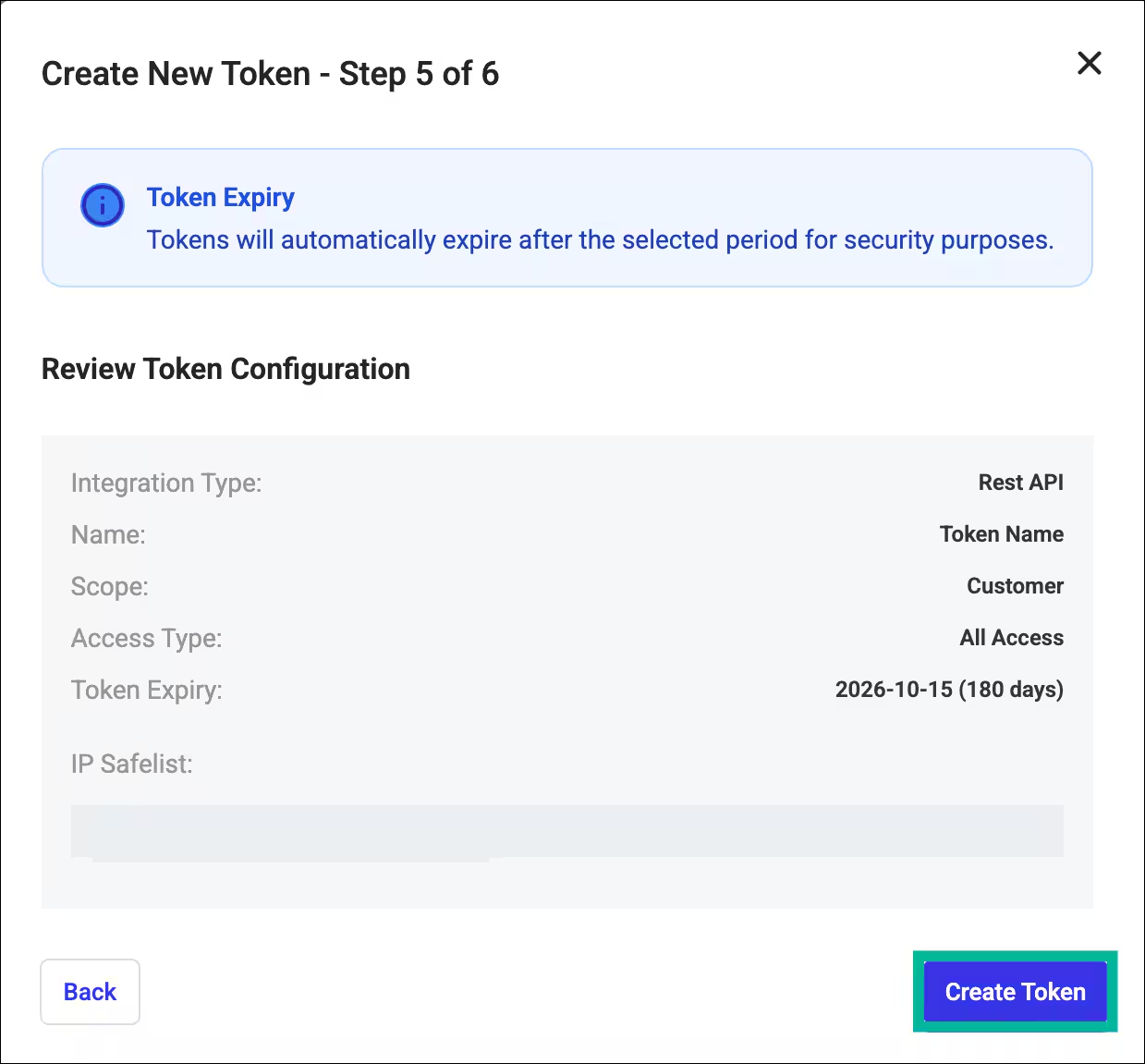
Review and create the token
Review your token configuration summary, then click Create Token.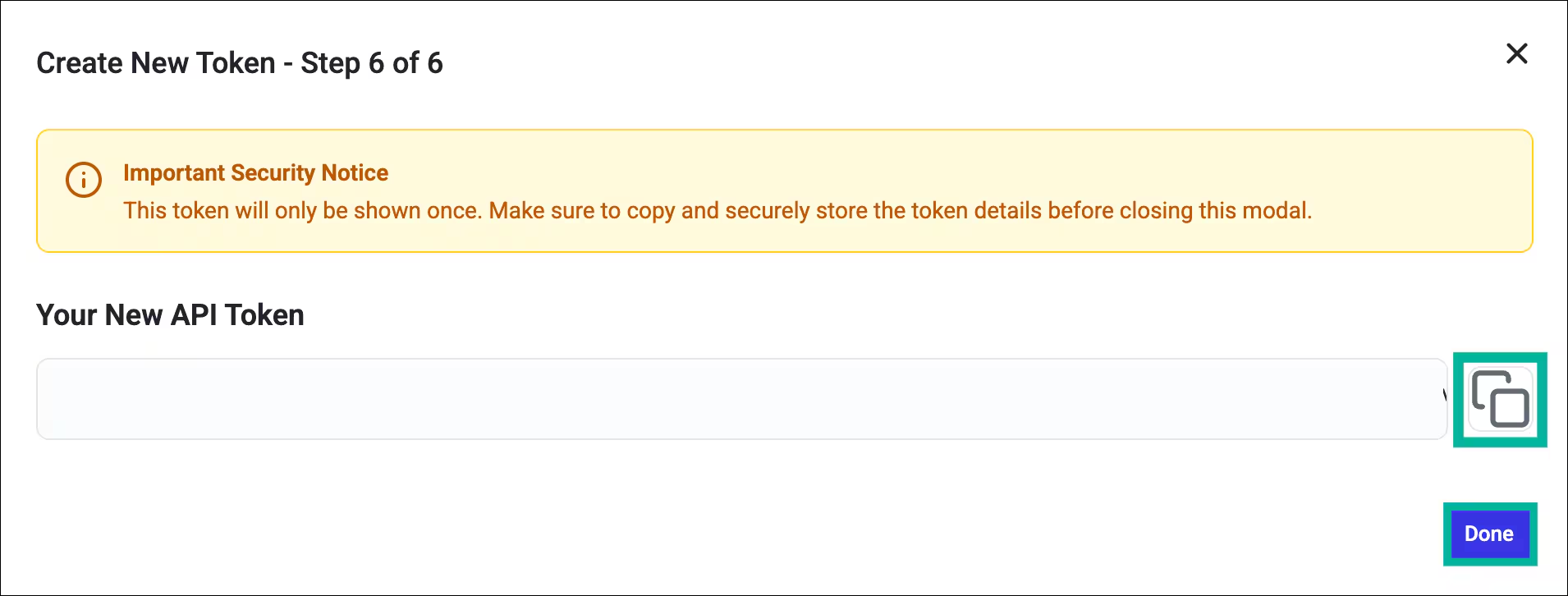
7
Copy and save your token
Copy the token immediately and store it in a secure location (e.g., a password vault or secrets manager), then click Done.
8
Identify your regional API host
Determine the correct API host for your Abnormal Security environment:
Enter the host only — no
https:// prefix and no trailing slash.If you’re unsure which environment your organization uses, check your Abnormal portal URL or contact your Abnormal Security account team.Part B — In the Living Security Platform
The program owner completes this step, or the system admin if using delegated setup. You are now connected to Abnormal Security.Troubleshooting
403 Forbidden — You do not have permission to perform this action
403 Forbidden — You do not have permission to perform this action
The token is missing one or both required access grants (Abuse Campaigns or Threats). Integration type, scope, and access level cannot be changed after token creation — you must create a new token with the correct settings and revoke the old one.
Legacy token expiration (April 30, 2027)
Legacy token expiration (April 30, 2027)
If your organization has API tokens created before the self-service Token Management experience was introduced, they appear as Legacy in the dashboard. Legacy tokens continue to work but cannot be rotated — only their IP safelist can be updated. All legacy tokens expire automatically on April 30, 2027. Plan to replace legacy tokens with new tokens before that date.